
Wi-Fi for guests: preparing separate access at home
A separate password is only part of the task. An owner's plan helps define authority, check the model and end guest access without accidentally resetting the home network.
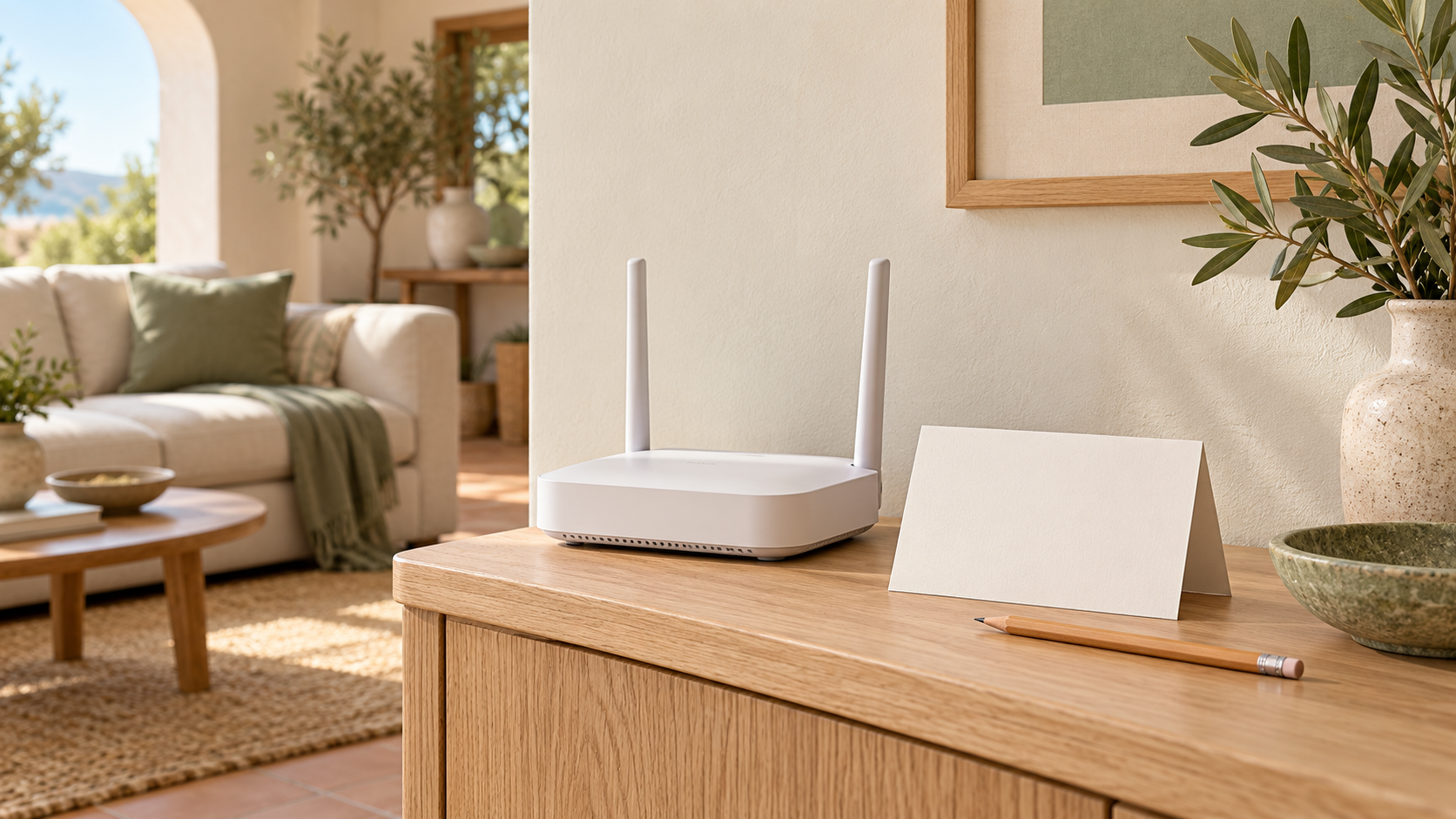
Neutral editorial AI illustration of a home router and a generic guest access card without real passwords. It is not a diagram of a particular network or an image of a verified interface.
When guests ask to connect to the internet, the easiest option is to dictate the usual password. But an apartment owner should decide in advance exactly what access they want to provide: just internet connectivity or interaction with household devices as well. Guest Wi-Fi is a reason to separate these tasks and prepare a clear process, not a promise that any network called “Guest” automatically protects all property and data.
This article concerns organising access in your own home with the agreement of the person responsible for the network. It does not assess coverage in a particular apartment, promise speeds, recommend buying equipment or provide commands for bypassing restrictions. If the router is managed by an operator, landlord or another occupant, agree changes first. Having the device in your room does not itself give you authority to change its settings.
What was read in the official sources
INCIBE's short router settings guide describes a guest network as an option for temporary connections. It also distinguishes the password for accessing router settings from the password for connecting to the network. This is a useful distinction: a guest who needs internet access does not automatically need administrative authority.
TP-Link's official Deco instructions show why the model and operating mode matter. They separately describe router mode and access point mode, where management of local access involves a separate setting. The manufacturer explicitly warns that functions depend on the model and software version, and that images and steps are examples. This is not a universal guide for every home router.
What follows is an editorial plan for preparation and questions to check. We do not transfer a particular manufacturer's security promise to someone else's network, treat a wireless network name as proof of isolation or suggest changing operating mode on the basis of a single tip in an article. Actual configuration requires the appropriate official instructions for your model or help from a responsible professional.
Define the access you need before opening settings
Write down a simple goal: let a guest use the internet for an agreed period without handing over management of the home network. Name any additional tasks separately. A request to print a document or show photographs on a television, for example, is not the same as opening a website on a phone. Do not broaden access to all household equipment just because one additional function did not work immediately.
Discuss with the occupants which devices and services must not be affected. There is no need to list their passwords or personal information in a note. It is enough to understand that the home has working connections that must not be interrupted without agreement. If the network is used for work, communication or important assistive tools, an accidental router reset for the sake of a guest password could cause a disproportionate problem.
Separately decide who helps the guest and who may change the configuration. These may be different people. Someone who can show the network name does not necessarily need the administrative password. This helps prevent an ordinary visit from turning into unplanned equipment maintenance and leaving unknown changes behind.
Identify the actual model and who is responsible for the equipment
Find the model designation in accessible documents or visible markings without dismantling the equipment or moving it unsafely. Check that the instructions you found apply to that exact model. A similar appearance or the same brand does not establish identical functions. If the apartment has several network devices, do not guess which one provides guest access.
Save a link to the official support section and the date when you checked the relevant description. Ask a professional a specific question: is guest access supported in the current configuration, and what actions will not affect existing connections? Do not share passwords in an open chat or send complete photographs of labels if they contain access details the recipient does not need.
If the management login is unknown or restricted by the operator, do not try to guess credentials, use someone else's session or bypass the restriction. Lack of access is a reason to contact the responsible person, not to start with a factory reset. Before any agreed action, establish how to restore previous operation if the change does not produce the expected result.
Check what a function means, not just its name
Find the explanation in the instructions of exactly what a guest network means on your device. Can it interact with the main network? Is access to local resources controlled separately? Does behaviour depend on operating mode? These questions must be resolved using the current description of the specific configuration, not the general word “guest”.
Do not change router mode to access point mode or vice versa just to reveal a familiar switch. That goes beyond providing a guest with clear connection details. If the documentation describes several options, first determine which applies to your network and involve a competent provider if uncertain. Do not present your own guess as verification of isolation.
It is useful for the household record to distinguish three states: the function was found in the instructions, the setting is actually available in the current interface, and the result has been checked within an agreed scope. These are different confirmations. A picture of someone else's screen or a promise of a future update does not mean the function already works on your network.
Prepare guest details without administrative secrets
After authorised configuration, prepare a separate short note containing what is genuinely needed to connect. Do not include the router management password, operator account details or instructions for changing the main network. The guest network name should be understandable to the occupants and should not mislead the visitor about what they are connecting to.
If you use a card or an approved way to share details, consider the recipients and storage location beforehand. Do not turn convenience into permanent public publication of the password on the apartment's page. Before sending a screenshot, check that it contains no extra credentials or information about other people's devices. The guest needs the ability to connect, not the entire administration screen.
Do not ask a visitor to give you their phone password, install an unknown application or disable device protection in order to connect. If the ordinary authorised method does not work, clarify the reason or suggest an independent connection option available to the person. Hospitality at home should not require disclosing personal accounts.
Check the expected result without scanning other people's devices
With the responsible person's agreement, you can test the connection on your own ordinary device and open a neutral public page. Record that internet access is available through the selected network. But do not call this a full security audit: a website opening does not prove there is no access to other resources or check every aspect of the configuration.
For the question of separating the home network, use the official description of the setting and, if needed, an agreed check by a professional. Do not scan other people's devices, open family files “to test” or try to log into equipment without permission. If a result cannot be confirmed safely and within your authority, mark it as unverified.
After a change, make sure the agreed household functions still work. The check should address the expected result, not curiosity about someone else's data. If a fault is found, tell the responsible person what was changed and when. Do not fix the problem through a succession of random switches that makes it impossible to reconstruct the original state.
Do not invent additional restrictions
Some instructions include settings for duration or allocated bandwidth. Their presence cannot be assumed for every router. If your model has a function, clarify its meaning and consequences before using it. Do not promise a guest that access will end at a certain time until that is confirmed by the current setting and its conditions.
Do not set arbitrary restrictions just to put an attractive figure in the note. First define the household task and agree it with the occupants. This article proposes no universal data allowance, speed or duration for guest access and does not guarantee that a separate network name prevents an effect on other users' connection quality.
If a visitor needs a special function, record it separately and assess the available options with the responsible person. A lack of connection to the home printer does not necessarily mean the internet is broken. Do not enable broad local access automatically without understanding what other resources will be affected. Sometimes another agreed way of accomplishing the particular task is more sensible.
End the visit with a clear action
Decide in advance whether guest access is needed permanently or only in certain circumstances. The chosen process should match the equipment's capabilities and the occupants' agreement. If access is to be ended manually, appoint someone responsible; if you rely on an automatic function, make sure it is actually configured rather than merely mentioned in the instructions.
Do not assume an old printed card remains current after settings change. Update the note and remove outdated copies from the agreed locations. Do not, however, change the main network or disconnect other people's devices without need and permission. Guest access should remain a separate task, not a reason to regularly restructure the entire home internet setup.
Keep a short record: who agreed the action, which function was configured, when the limited check was performed and what questions remain open. Do not put passwords or codes in this shared note. The history helps the next responsible person understand the decision, but is not a security certificate or a guarantee that digital risks are absent.
Sources and scope of verification
On 30 October 2026, the following were read: the official INCIBE guide to router settings and TP-Link España's instructions for the Deco guest network. Limited points concerning the purpose of guest access and how functions depend on model and mode were used. INCIBE's full, longer router guide could not be opened during the check and is not used as a source that was read. No particular home network, its password, configuration or degree of isolation was checked.
The material is for informational purposes only. Check the legal and financial terms of a specific transaction with relevant specialists.
Select real estateDiscuss with Laverna