
Internet and mobile coverage before buying a home in Spain
How to check internet and mobile coverage at a Spanish property: building entry point, operators, in-home tests, contract and backup connection.
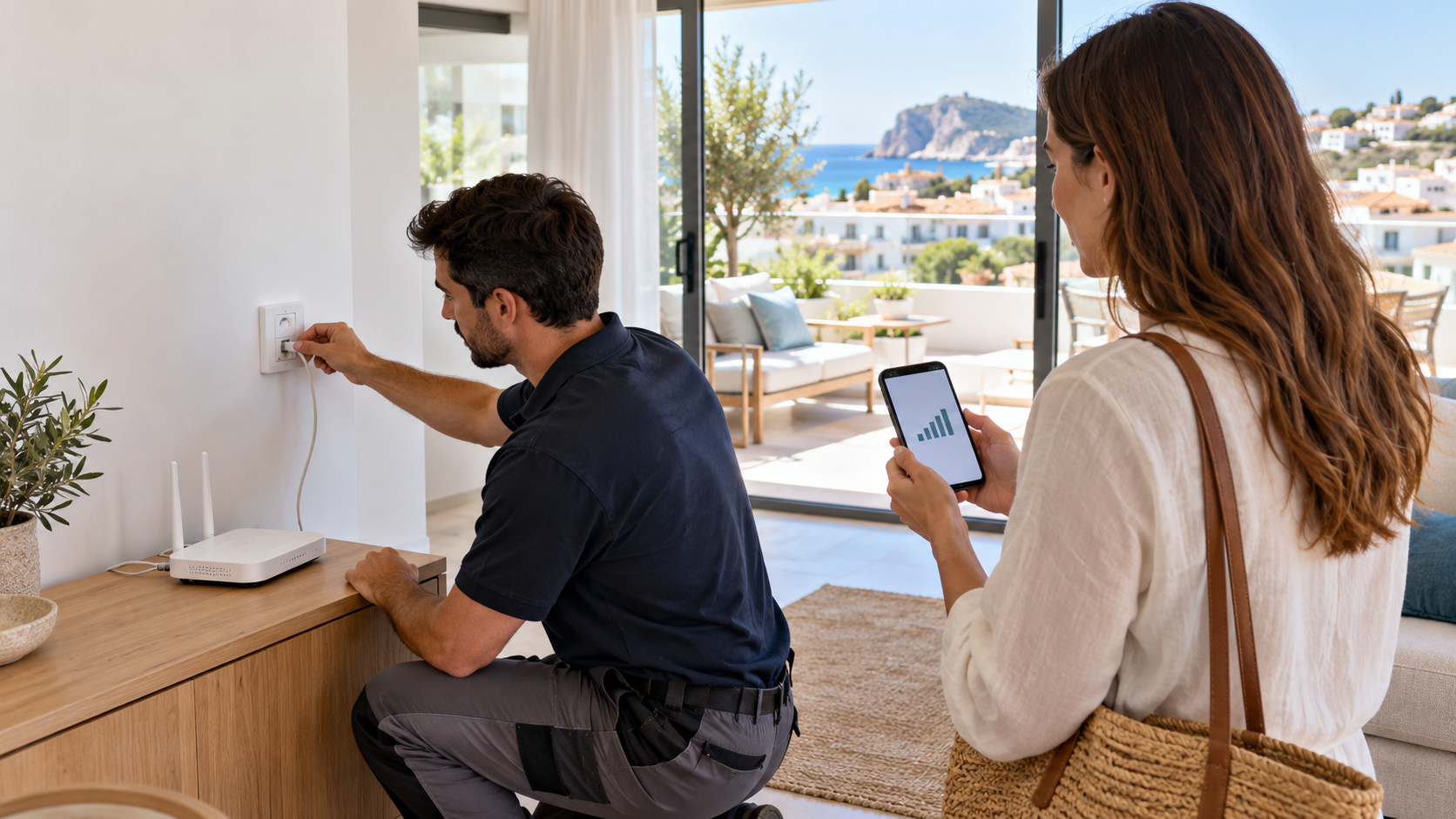
Neutral AI-generated editorial illustration of checking a connection and mobile coverage; it does not depict a specific operator or property and is not evidence of actual coverage.
The statement “fibre is available in the area” does not guarantee that an operator will connect the chosen flat, and full signal bars at the entrance do not show connection quality in the bedroom. Before buying a home in Spain, check the exact address, the building entry point, the community conditions and network performance indoors. This is particularly important for remote work, security systems and a home where mobile service must act as a backup connection.
This material was checked on 25 October 2026. Coverage and commercial offers change; confirm availability with operators immediately before the transaction and before signing a service contract.
Divide the issue into four levels
A service may be available in the municipality but not at the exact address. A cable may reach the building but not the flat. The flat may contain an optical socket that is no longer connected to an active network. Finally, the advertised tariff is not the same as actual Wi-Fi speed in a distant room. It is therefore useful to divide the check into area coverage, address serviceability, the building’s internal infrastructure and quality inside the home.
Official maps are useful for an initial selection of areas. The Ministry for Digital Transformation’s current section publishes information and reports on broadband coverage. These aggregated data do not replace an operator’s answer for the house number and flat. Information on market regulation and users’ rights should be checked against CNMC telecommunications materials and the official channels of the competent ministry.
Check the address with several operators
Enter the full address in several operators’ official coverage checkers: municipality, street, number, block, floor and flat where the form permits it. Save the date, screenshot or written reply and the exact technology name. The phrase “up to 1 Gbps” may describe a commercial product without confirming that the particular entry point is technically ready.
Call the operator and ask it to check the unique installation address, not merely the postcode. Ask whether a technician’s visit is required, whether a port is free, how long an ordinary connection takes and which obstacles have already been recorded. An employee’s answer before a survey is not a guarantee, so an important remote-working requirement should be reflected in your own purchase plan and moving timetable.
What the technology name means
- FTTH. Fibre to the premises generally offers good potential, but the line and the terminal position must be confirmed for the actual flat.
- Coaxial or copper network. Capability depends on architecture, distance and line condition; the word “fibra” in conversation is not enough.
- Fixed wireless access. Visibility of the base station, outdoor equipment, installation and tariff limitations matter.
- Satellite service. Check sky visibility, antenna position, community permissions, latency and traffic conditions.
- 4G/5G router. Results depend on the operator, frequencies, network load, room and antenna position.
Inspect the telecommunications entry point
In an apartment building, ask the community administrator about the installed infrastructure: which operators have brought networks into the building, where the distribution equipment is located, whether refusals have occurred and whether works are planned. Do not open cabinets yourself. A technician should assess free ducts and the cable route to the flat.
If installation requires passage through common areas, the façade, a riser or the roof, establish the notification or approval procedure in advance. The existence of an old cable does not automatically permit a new one along any route. Community minutes may contain decisions on riser repairs, removal of wiring or contractor access rules.
For a detached house, check where the operator’s network ends and who is responsible for the section of line to the building. A long distance from the road, a private drive or the absence of cable ducting may alter timing and cost. Request a preliminary technical survey if the operator offers one, and do not treat an agent’s promise as a telecommunications contract.
Check the flat, not just the entrance hall
Find the optical or other telecommunications socket, the entry point and the proposed router position. Ask whether the line worked recently and whether an anonymised invoice or former resident’s contract can be shown without personal data. Do not use another person’s credentials. If the service is disconnected, a box on the wall proves only part of the physical route.
Assess Ethernet wiring to the rooms, cable category, socket condition and electrical outlet positions. Thick walls, metallised glazing, several floors and outdoor terraces may require additional access points. Speed beside the router cannot be extrapolated to the whole home. For a workstation, it is preferable to check a wired connection and the possible cable route.
How to test during a viewing
Test with your own telephone and SIM cards from the operators you genuinely intend to use. Walk through the living room, bedrooms, workspace, underground parking and plot. Record network technology, signal level, download and upload speed, latency and call stability. One test is a snapshot of a particular minute, so repeat it at different times if connectivity is critical.
Do not compare maximum speed alone. Video conferences depend on stability, upload speed, latency and packet loss. Cameras and alarms depend on availability while you are away and the possibility of backup power. Large file transfers depend on tariff restrictions and sustained line quality. Also test an ordinary voice call: 5G support does not guarantee the same result in every room.
Advertised speed and contract terms
Before signing, read the contract summary: technology, speeds, commitment period, installation and equipment charges, router return rules, price indexation, bundled services and termination. Establish separately whether the quoted speed is the maximum, normally available or minimum guaranteed for that access type. Do not attribute promises to the operator that are absent from the documents.
If internet service is required from the first day, allow time for installation and possible correction of a technical problem. The date of the notarial transaction and the service activation date are separate events. Do not schedule a critical video meeting on installation day, and prepare a temporary connection.
Mobile service as a backup
A backup should be independent of the main point of failure. A mobile router provides little help if the chosen operator has no stable indoor signal; a second fixed tariff on the same physical line may not provide independence either. For important work, consider a different operator network, a suitable router position, an outdoor antenna only after technical and legal verification, and backup power.
Check data limits, fair-use policy, roaming operation and terms for permanently installed equipment. Do not buy a signal repeater without checking its legality and compatibility: incorrect radio equipment may cause interference. It is safer to use a certified solution recommended by the operator or a specialist.
New development and property under construction
For a new development, request the technical description of the telecommunications infrastructure, socket positions and readiness of the common entry point. A rendering of a home office with a laptop does not confirm an active line. Distinguish readiness of the internal wiring, connection of the building to the network and commercial activation of the flat.
Record what is included: cabinet, cables, sockets, smart-home equipment and service subscription. Check which smart-home functions continue to operate locally without internet and who owns the cloud accounts. At handover, access reset, updates and personal-data protection should be clearly addressed.
Buyer checklist
- Check the full address in several operators’ official forms and save dated replies.
- Confirm technology, technical readiness, a free port and the need for a visit.
- Inspect the entry point, sockets and cable routes with a competent specialist.
- Request community rules for common-area works and information on future repairs.
- Test mobile networks in key rooms and at different times.
- Compare tariff contract parameters with work, security and entertainment needs.
- Plan a backup connection and power source independent of the same failure point.
The result should not be a general conclusion that “the internet is good”, but a property record: available technologies and operators, confirmed address, entry-point condition, test results, required works, connection timing and backup. This record allows homes to be compared by actual suitability without presenting advertised area coverage as a guaranteed service in a particular room.
The material is for informational purposes only. Check the legal and financial terms of a specific transaction with relevant specialists.
Select real estateDiscuss with Laverna